PupShift
The note on the counter
Two pages of instructions, and the texts still come.
A helper link lets the walker or sitter see the schedule and log what they did. You see it as it happens, and their access ends on the date you pick.
The dog says he hasn’t eaten since Tuesday. The log says 7:02 PM.
Before PupShift
Two pages of instructions, and the texts still come.
Sometimes you only find out when you get home.
Sharing the family’s whole account with a sitter feels like too much.
The board’s owner makes a one-time link. It can be used within 3 days, and access lasts until the date the owner picks.
Walks, meals and meds appear on your board with the helper’s name and the time.
Pets, schedules, reminders and the log. Not the family album, papers or the family code.
Give a walk slot to the walker and their phone rings at that time (phone app, alerts on).
When the date passes, the helper is off the board. Nothing to remember.
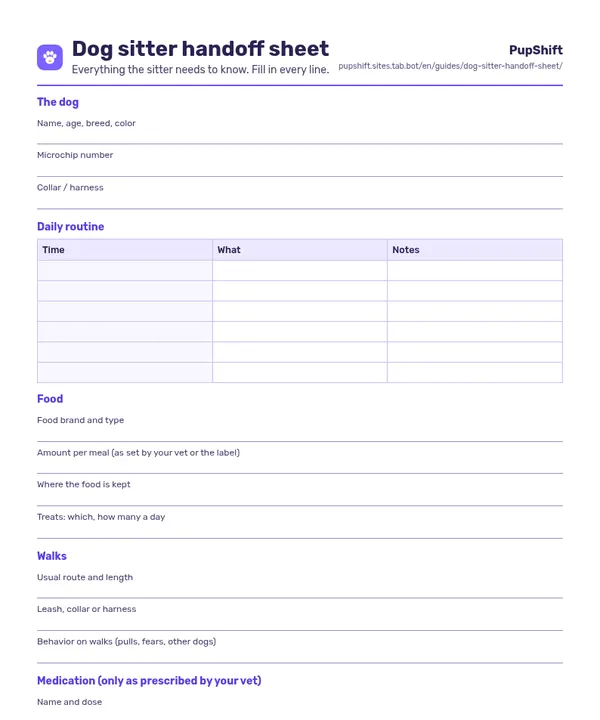
For the details that don’t belong in an app: vet number, quirks, where the leash lives.
Ringing works in the iPhone and Android app with alerts on.
They open the helper link in the app or any browser and join the board as a helper. The family code stays private.
The pets, schedules, reminders and the log. Not the family album, papers or the family code.
On the date the board’s owner picks. After that the helper is removed automatically.
Make a board in a minute, then send the link to whoever helps.